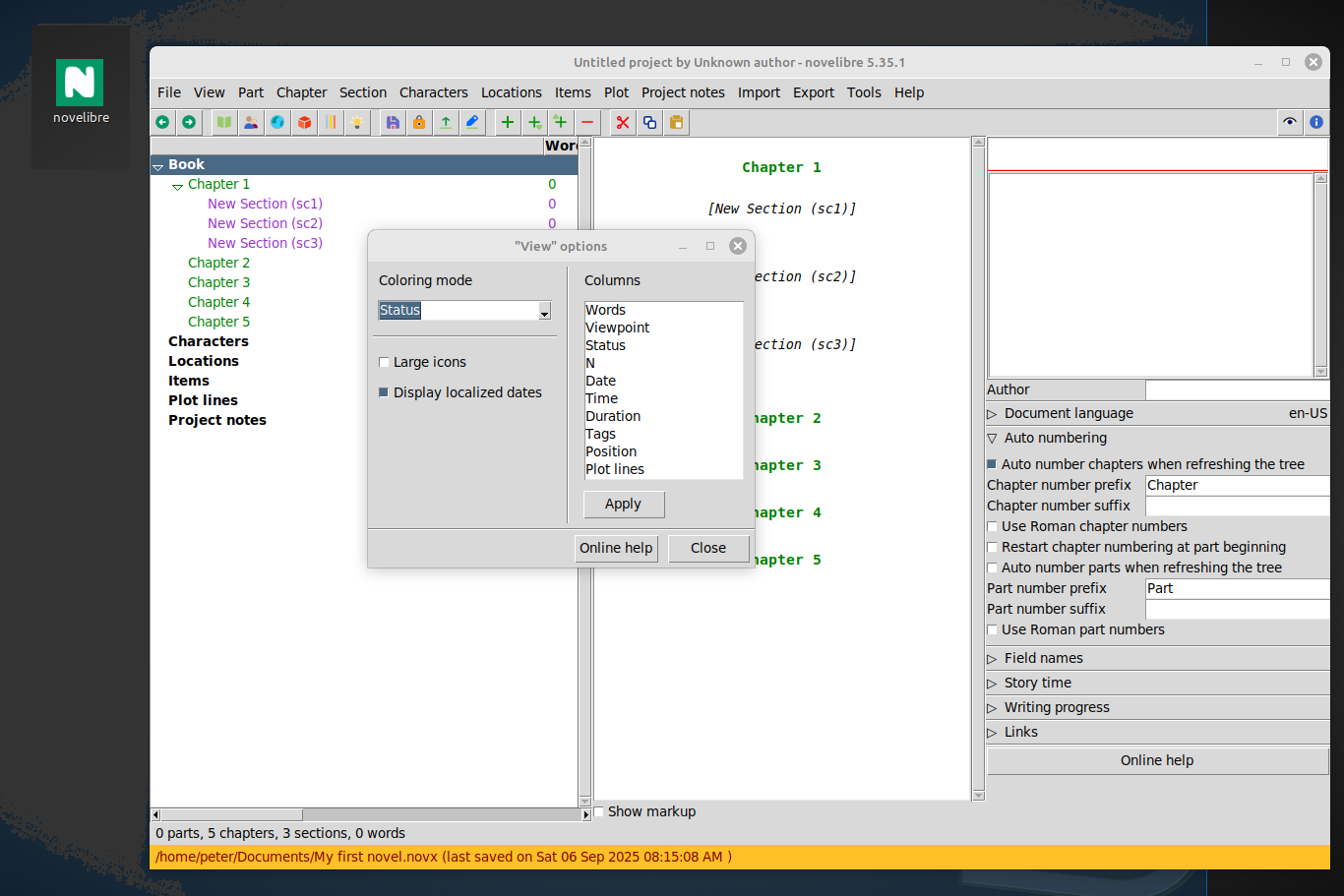
You receive novelibre as source code in the Python programming
language. Most Linux distributions have Python installed, which is
necessary to execute the program. However, make sure you have Python
version 3.7 or higher. If this is not the case, it would be a good
reason to update your distribution.
Before you can install novelibre on Linux you must ensure that the
prerequisites mentioned on the project home page are met. In particular,
support for tkinter must be installed on your system. For Ubuntu, the
package is called python3-tk for example, for Fedora it may be
python3-tkinter.
Just lauch your package manager and look for the corresponding package.
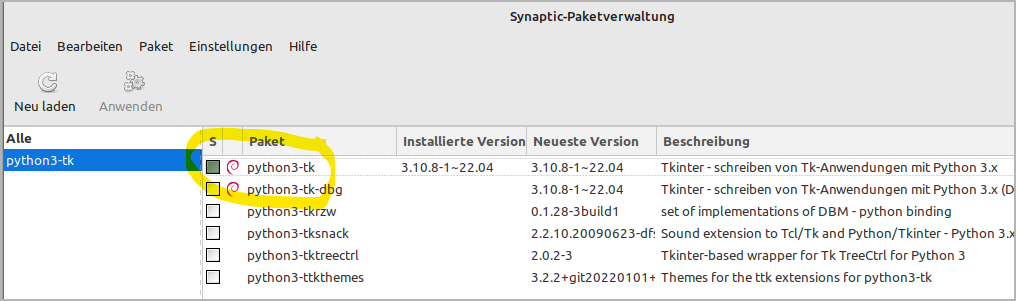
Here is an example for Linux Mint:
If necessary, have this package installed before starting the
novelibre installation.
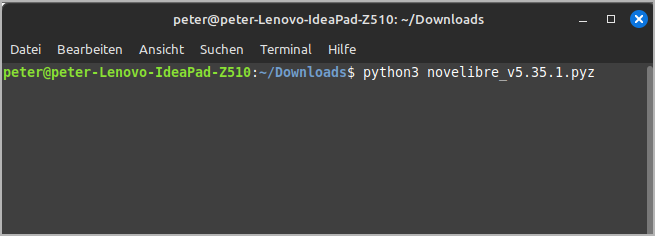
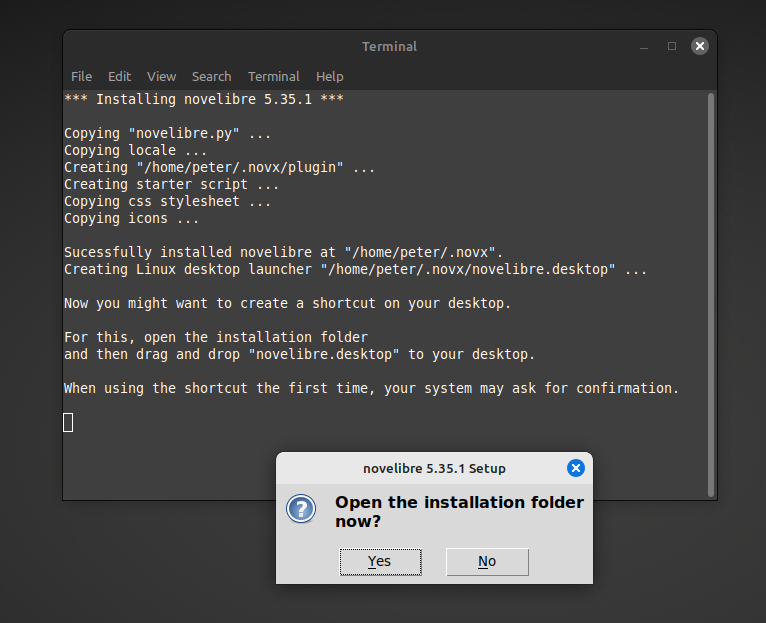
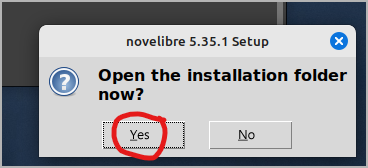
The actual installation of novelibre is simple and straightforward.
The installation program automatically creates an installation
directory, copies everything necessary into it, and generates a start
file named run.pyw adapted for the respective computer, which must
be called in order to execute novelibre.
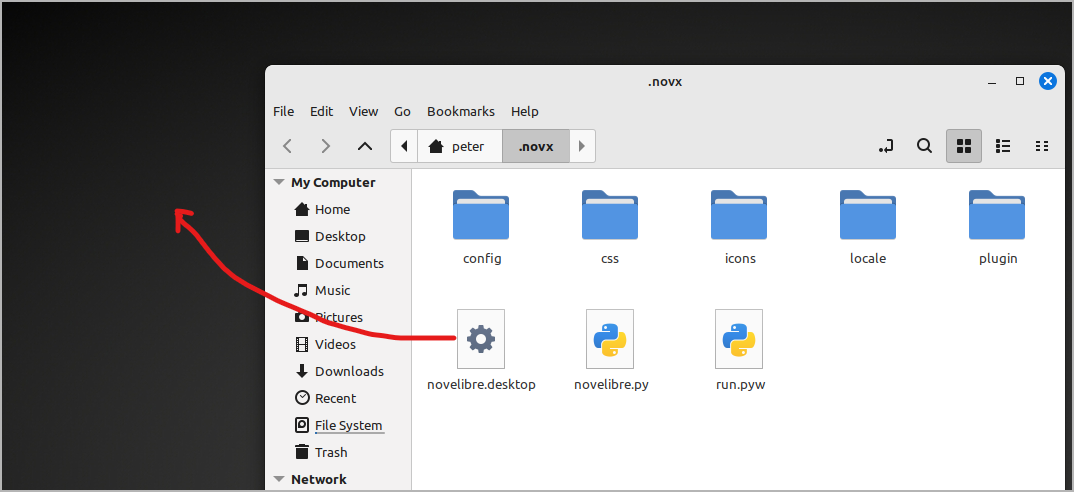
The necessary manual work consists of linking this start file to the
desktop.
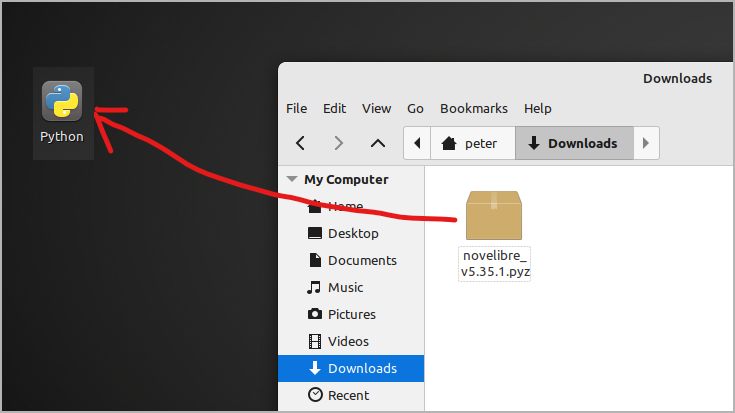
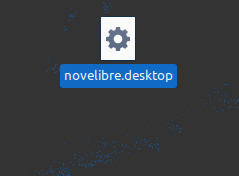
If you have not set up a Python application launcher, you can
download the one I’m providing on the novelibre home page. Place it
either on your Linux desktop or in the download folder. This is
worthwhile with regard to the installation of plugins and updates.
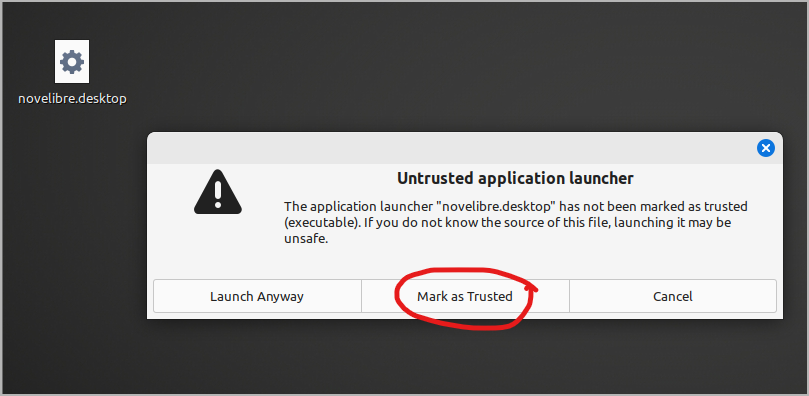
If you mark the application launcher as trusted, the icon in Linux Mint
will change to the novelibre program logo, and you can start the
application by clicking on it.
Now you can also drag and drop .novx project files onto this shortcut.
Hint
If the steps 2 and 3 wouldn’t work on your Linux desktop, you will
have to set up a application launcher yourself. This is a matter of
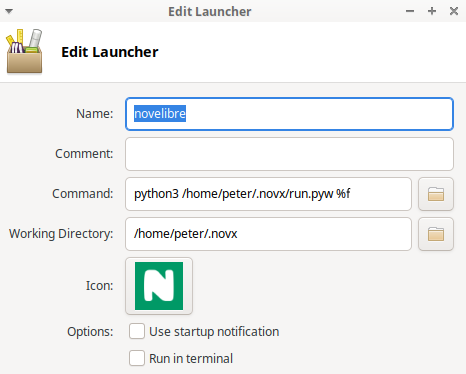
calling python3 with /home/your-username/.novx/run.pyw and an
optionally specified file as parameters. You get a desktop icon to
click on and to open your .novx project file via drag-and-drop.
With the XFCE desktop, for example, my launcher command is:
You might have to copy the novelibre icons to a dedicated image
directory where your application launcher gets the icons from. You
also may want to set novelibre as standard application for files
with the .novx extension, and assign them the novelibre logo as
file icon.
It’s a good idea to register the novx extension in the mimetypes as
text/xml, so it can be opened with your web browser for display,
using the novx.css style sheet.